
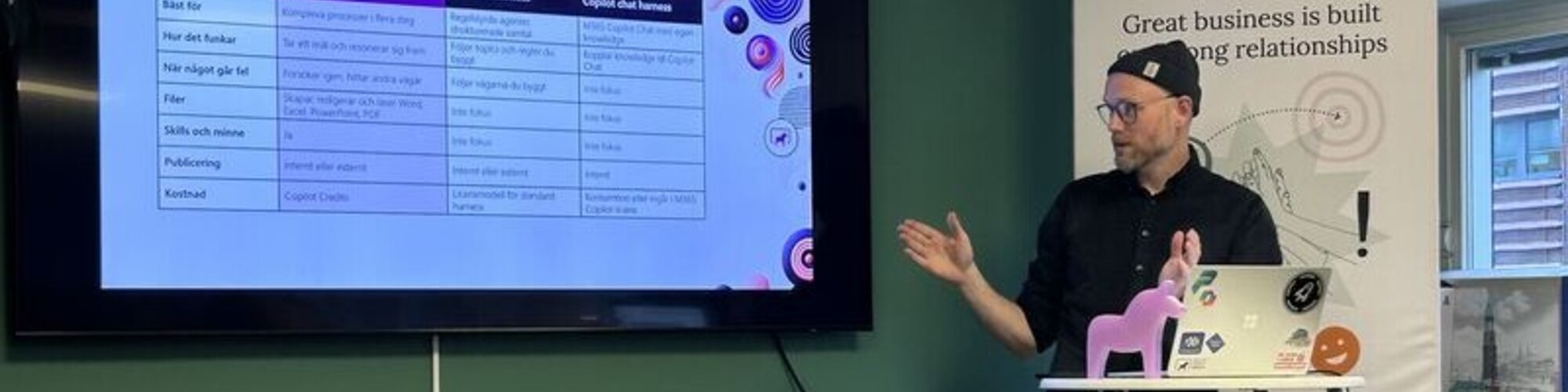

Johannes Enström
Microsoft MVP | D365 CE & Power Platform Architect | Low-code roots, pro-code habits
Umeå, Sweden
Actions
I'm a Power Platform and Dynamics 365 consultant and solution architect based in Umeå, Sweden. I work across Dynamics 365 Customer Engagement, Dataverse, Copilot Studio and Business Central integrations, with a focus on the new pro-code side of the platform: Code Apps, generative pages, single-page applications in Power Pages, mobile apps and AI-assisted development with GitHub Copilot CLI. I've spoken at the EPPC 2026 community stage and Power Platform Community Sweden, I mentor makers in Power Apps and Power Automate, and I write at The Dynamic Power Disciple.
Badges
Area of Expertise
Topics
Build once, reuse everywhere, govern centrally: Copilot skills with WIQD
Most orgs end up with the same instructions pasted into several agents, each copy a little different. With Work IQ Developer Tools (WIQD) you package a skill as a plugin and publish it to Microsoft's plugin registry. Admins approve it in the Microsoft 365 admin center, and every Copilot Studio agent in your org can use the same version.
I built a skill with WIQD in Github Copilot and deployed it as a plugin in my own tenant. In the session I build a plugin live, publish it, approve it as admin and add it to a Copilot Studio agent.
Then I show how I handle ALM: versioning the skill, moving it from dev to production and shipping updates without breaking the agents that use it.
Describe it, don't drag it: building Power Automate flows with GitHub Copilot
In the designer you click your way to a flow: find the connector, pick the action, write the expressions, test, start over. Microsoft's power-platform-skills plugin lets you describe the flow and have GitHub Copilot build, run and debug it.
I'll build a flow live in the GitHub Copilot app, starting from a plain description and ending with a tested flow. Then I'll break it on purpose, and Copilot will read the run history, find the fault and fix it.
I also hit a wall. As a consultant I move between client tenants, and switching tenants broke the plugin's sign-in in its MSAL token cache. I'll show you what that looks like and the fix I published.
You don't need a pro-code background, and the whole session runs on live demos.
Please note that Sessionize is not responsible for the accuracy or validity of the data provided by speakers. If you suspect this profile to be fake or spam, please let us know.
Jump to top