
Session
Don’t lock yourself out: Designing resilient administrator and emergency access accounts in Entra ID
Misconfigured administrator accounts are still one of the most common causes of security incidents and operational lockouts in Microsoft Entra ID environments. Using everyday user accounts with elevated permissions, relying solely on federated identities, or not having a properly configured emergency access account can leave organizations unable to respond when something goes wrong.
In this session we focus on designing a resilient administrator account strategy that balances security, operational continuity, and real-world usability. We will look at why dedicated admin identities are essential, how to separate synced and cloud-only accounts, and how to design emergency access (“break glass”) accounts that remain available when everything else fails.
Using practical examples, we explore scenarios such as MFA outages, identity provider failures, Conditional Access misconfigurations, lost devices, and situations where the last Global Administrator becomes unavailable. You will learn how to create emergency access accounts that are protected, monitored, and ready when needed without weakening your security posture.
We also cover practical implementation guidance including credential protection strategies such as FIDO2 keys, monitoring sign-in activity, alerting on usage of emergency accounts, and common pitfalls seen in real environments.
The goal of this session is to help you design an administrator account model that prevents lockouts while maintaining strong security controls across Microsoft Entra ID.
Based on real-world lessons learned, this session provides actionable guidance that can be implemented immediately.
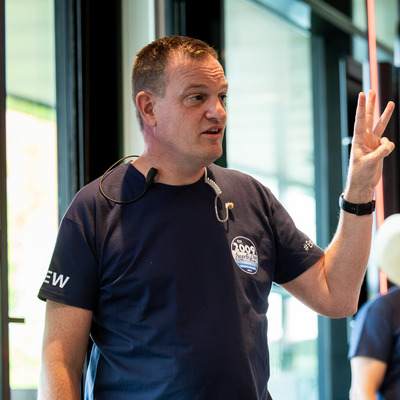
Jeroen Burgerhout
Microsoft Intune MVP & MCT
Nieuwkoop, The Netherlands
Links
Please note that Sessionize is not responsible for the accuracy or validity of the data provided by speakers. If you suspect this profile to be fake or spam, please let us know.
Jump to top