
Session
Windows 11 Shared PCs done right: Secure, fast, and low-touch with Intune
Build a practical Windows 11 Shared PC baseline with Intune covering sign-in, apps, updates, security, and real-world troubleshooting, so shared devices stay fast, compliant, and easy to run.
Shared Windows PCs are everywhere: frontline devices, training rooms, labs, meeting spaces, call centers, and kiosk-style scenarios. But without the right configuration they quickly become slow, messy, and hard to secure especially with multiple users, shifting shifts, and limited local IT access.
In this session you’ll learn how to design and implement a Windows 11 Shared PC configuration using Microsoft Intune. We’ll translate the “Shared PC” concept into a reusable blueprint: identity choices (local vs Entra sign-in), account management, storage cleanup, app delivery (Win32/MSIX/Store), policy essentials, update strategy, and security hardening without ruining the user experience.
Expect a practical walkthrough with real-world do’s and don’ts, plus troubleshooting patterns for the issues you only see in shared environments (stale profiles, disk bloat, sign-in loops, OneDrive/Teams behavior, and mis-scoped policies).
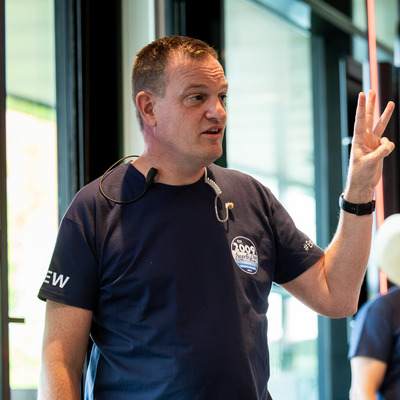
Jeroen Burgerhout
Microsoft Intune MVP & MCT
Nieuwkoop, The Netherlands
Links
Please note that Sessionize is not responsible for the accuracy or validity of the data provided by speakers. If you suspect this profile to be fake or spam, please let us know.
Jump to top