
Session
A Tale of Two Kiosks: Assigned Access and Restricted User Access
Certain verticals rely on Windows Kiosks heavily, like Retail, Manufacturing, and more. We see them daily when we go to retail stores or gas stations, because the value is huge.
Some of the common use-cases include:
PCs in public areas like hotels for printing flight info, etc.
PCs being used to ordered food or display a menu
POS (Point-of-Sale) systems
ThinPC-like platforms to lock into apps like Windows 365
Historically speaking, people would typically just use the Kiosk policy in Intune, but those days are mostly gone in Windows 11 with the continued expansion of capabilities to deliver better Kiosk experiences. Two of the ways you can deliver Kiosk are:
Assigned Access (lets you leverage a UWP app (WinGet apps) or Microsoft Edge in a full screen mode displaying an essential single-pane-of-glass.
Shell Launcher (lets you execute an application that replaces the default Windows UI/shell aka explorer, but it doesn’t actually run above the lock screen.
Multi-App Kiosk (also known as “restricted user experience”), which puts you into the desktop with a specified list of application. It’s based off the Assigned Access design.
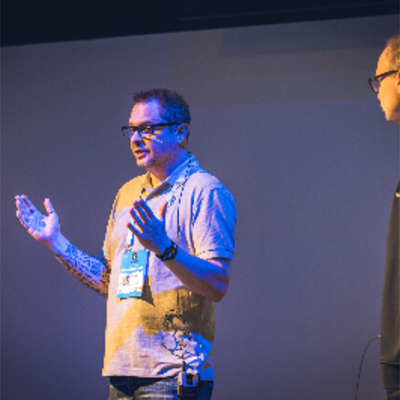
Joery Van den Bosch
Microsoft MVP | Principal Solutions Architect at Robopack | Tech Blogger | Microsoft Cloud | Intune | Autopilot
Berchem, Belgium
Links
Please note that Sessionize is not responsible for the accuracy or validity of the data provided by speakers. If you suspect this profile to be fake or spam, please let us know.
Jump to top