
Session
Lights, Camera, Copilot: Creating Impactful Videos with Microsoft 365
Your Microsoft 365 tenant includes powerful capabilities for recording, editing, and producing video content—and now Copilot makes it even easier. In this session, you’ll explore how Microsoft Clipchamp and the new M365 Copilot Video Creator can transform how your organization communicates.
Learn how to:
- Produce polished videos in minutes using Copilot‑assisted scripting, editing, and scene generation
- Apply your organization’s branding automatically with Brand Center integration
- Create personalized, one‑minute videos for colleagues and teams
- Edit Copilot‑generated videos or revise meeting recordings to highlight key moments
- Navigate practical tips, best practices, and common questions about using video across Microsoft 365
Walk away with the confidence to bring video into your everyday workflows—no production studio required.
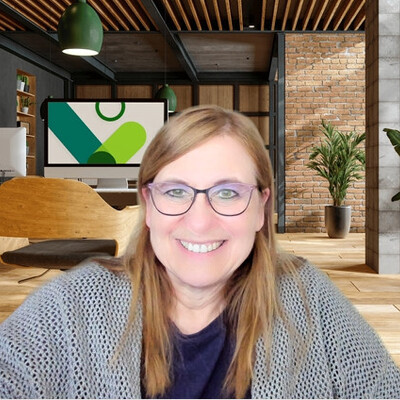
Karen Dredske
Community speaker and Microsoft Certified Trainer who loves to empower community members using SharePoint, Teams, Copilot, and all things Microsoft 365
Martinsburg, West Virginia, United States
Links
Please note that Sessionize is not responsible for the accuracy or validity of the data provided by speakers. If you suspect this profile to be fake or spam, please let us know.
Jump to top