
Session
Welcome to the jungle of Android management!
Managing Android devices shouldn't be hard, but it can feel overwhelming once you see how many management options there are. BYOD, COPE, COBO, COSU, or just MAM? Work profile, fully managed, or a locked-down kiosk? And which enrollment method fits your organization?
In this session, I'll guide you to the right choice for managing your Android devices with Microsoft Intune. We'll start with the first question: do you need to manage the device at all, or is protecting the data in the apps enough? From there, we'll walk through each management option, its pros and cons, and what enrollment looks like in practice, including staged enrollment.
Besides the management options, we'll look at the features that make Android management work in the real world:
- Microsoft Launcher and Managed Home Screen for fully managed and kiosk devices
- Shared device mode for frontline workers, with QR code sign-in, single sign-on, global sign-out and Teams Walkie Talkie
- Microsoft Defender for Endpoint, including the Mobile Threat Defense role and launching Defender automatically during device setup
- Keeping AI features such as Gemini in check on corporate devices
Of course, we'll also cover recent additions to Android management in Microsoft Intune, such as enrollment time grouping and custom device naming templates.
Everything in this session comes from hands-on testing, so expect practical lessons: which permissions Intune can grant and which ones stay a user step, why an assignment sometimes arrives too late, and where the documentation and real-world behavior don't quite match.
Don't miss this session if you want to navigate the Android management jungle successfully!
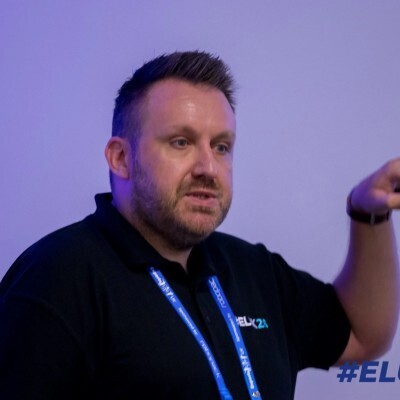
Nicky De Westelinck
Modern Workplace Consultant | Microsoft Certified Trainer
Zonhoven, Belgium
Links
Please note that Sessionize is not responsible for the accuracy or validity of the data provided by speakers. If you suspect this profile to be fake or spam, please let us know.
Jump to top